
Documentation
Everything you need to know about RuneSpoke Hub
Cloud Provider Integrations
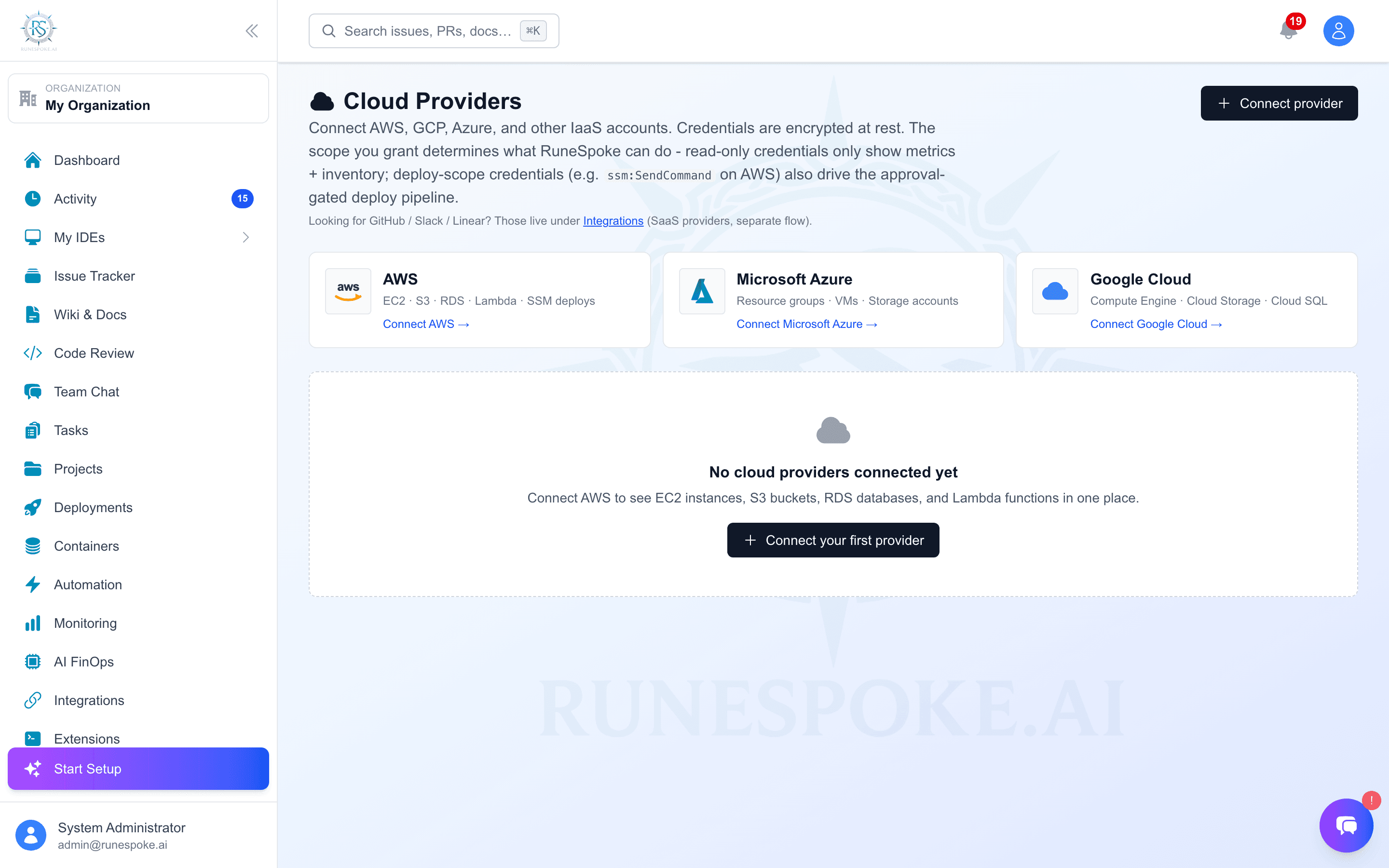
Connect your AWS, Azure, and Google Cloud accounts for seamless deployment and infrastructure management with RuneSpoke Hub.
Why Connect Cloud Providers?
- Deploy applications directly from RuneSpoke Hub
- Monitor infrastructure costs and usage
- Automated scaling and load balancing
- AI-powered cost optimization recommendations
Supported Providers

Amazon Web Services
Deploy to EC2, ECS, Lambda, and more. Full support for AWS services.
- • EC2 Instances
- • ECS & Fargate
- • Lambda Functions
- • S3 Storage
- • RDS Databases

Microsoft Azure
Deploy to Azure App Service, Container Instances, and AKS clusters.
- • App Service
- • Container Instances
- • AKS (Kubernetes)
- • Azure Functions
- • CosmosDB

Google Cloud Platform
Deploy to Compute Engine, Cloud Run, and GKE with full GCP integration.
- • Compute Engine
- • Cloud Run
- • GKE (Kubernetes)
- • Cloud Functions
- • BigQuery
Quick Setup Guide
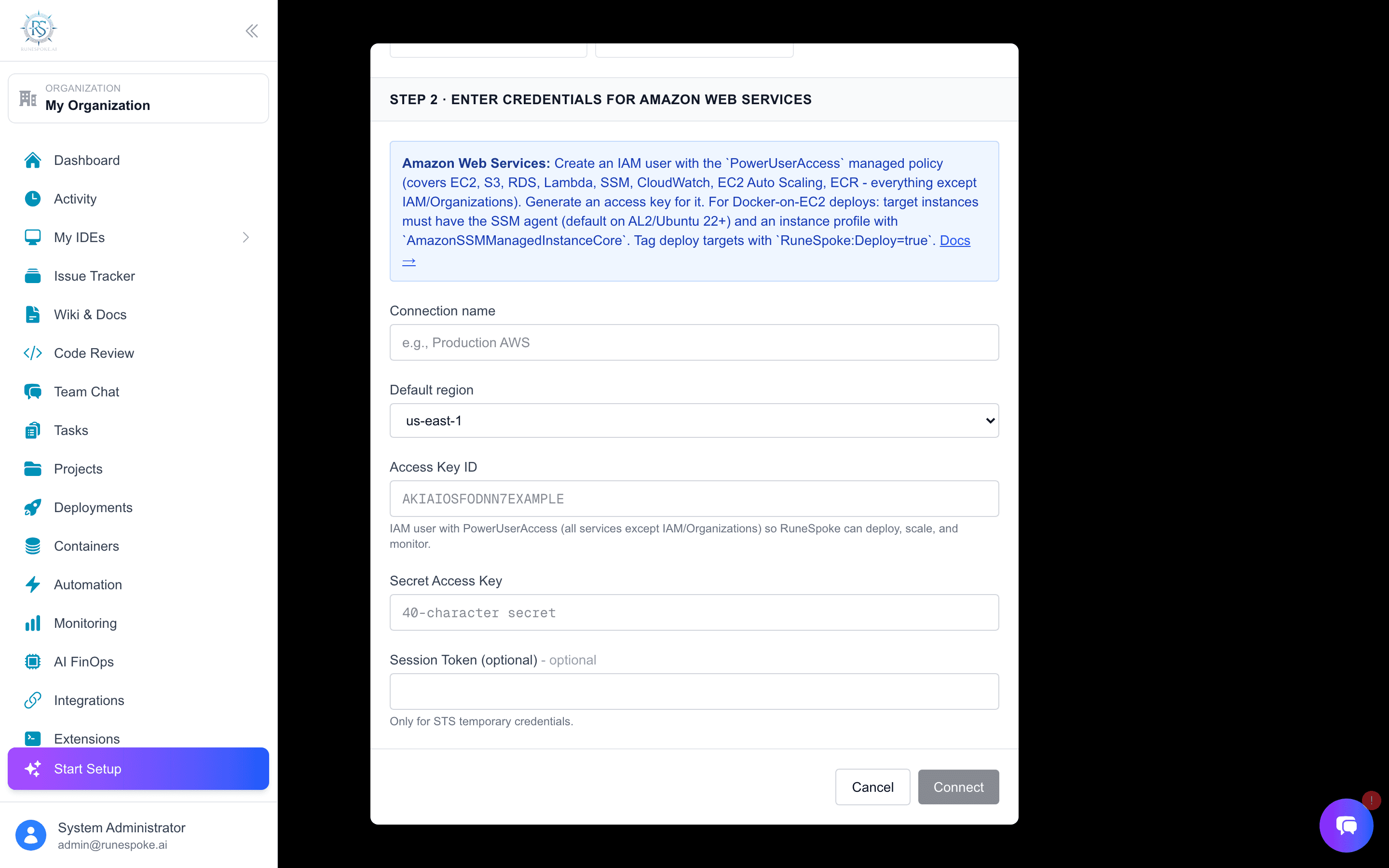
AWS Setup
Create IAM User
Create an IAM user with programmatic access and attach the necessary policies.
Configure Credentials
Add your Access Key ID and Secret Access Key to RuneSpoke Hub.
Test Connection
Verify the connection and start deploying your applications.
Required IAM Permissions:
{
  "Version": "2012-10-17",
  "Statement": [
    {
      "Effect": "Allow",
      "Action": [
        "ec2:*",
        "ecs:*",
        "lambda:*",
        "s3:*",
        "rds:*"
      ],
      "Resource": "*"
    }
  ]
}
Advanced Features
Cost Optimization
AI-powered recommendations to reduce cloud costs and optimize resource usage.
Auto Scaling
Intelligent auto-scaling based on traffic patterns and performance metrics.
Security Compliance
Automated security scanning and compliance checks for your cloud resources.
Multi-Cloud Support
Deploy across multiple cloud providers with unified management and monitoring.
Troubleshooting
Connection Failed
If your cloud provider connection fails, check:
- • Credentials are correct and haven't expired
- • IAM user has necessary permissions
- • Network connectivity allows outbound HTTPS
- • API endpoints are accessible from your region
Deployment Issues
For deployment problems:
- • Verify resource quotas and limits
- • Check application logs for errors
- • Ensure security groups allow required traffic
- • Validate application configuration and environment variables
Next Steps
Now that you understand cloud provider integrations, explore these related topics: